

The new Member’s Area currently provides functionality so that members can access the minutes and agendas for the society’s committee meetings. In the future this content will be expanded to provide details on the issues the society is most concerned about and provide details on the major topics within Cranleigh and the surrounding areas.
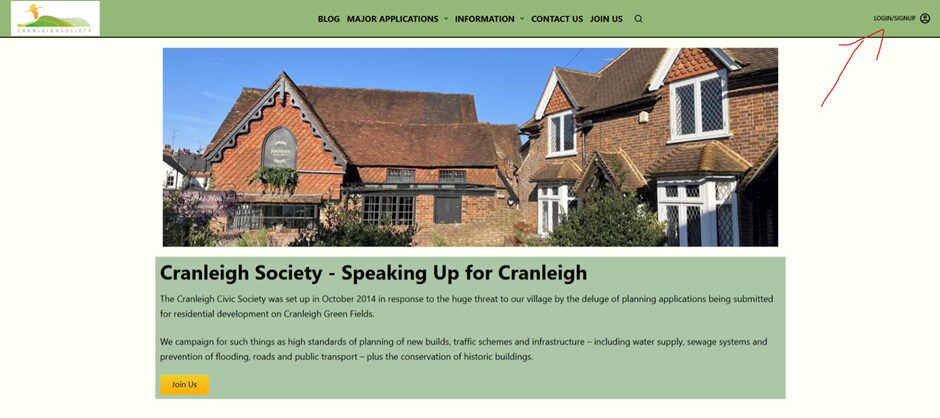
How to access the portal:
Register an account on our website from the login/signup button at the top right of page (This is on the top left on mobile). From here our team will approve your account and if you’re a paying member, we will grant permissions for you to access the members portal.
Once access has been granted, it can easily be found by logging into the website and clicking your username/profile picture (This is on the top left on mobile). From there a drop-down list will appear with three options.
- My Account – where you can access your details.
- Log Out
- Member’s Area.
Select Member’s Area, if you have permission to access the area then you’ll be able to navigate from the landing page. If you get the message “Sorry, but you do not have permission to view this content.” Please contact us via membership@cranleighsociety.org and we shall work to resolve.
Landing/Home Page
For now, this consists of three images and text explaining their functionality. If you select the image, it will take you through to the relevant page. Currently only Meeting Documents is available, Member’s bulletin and Ongoing Projects shall be accessible early next year.
If you have any issues with access or how to navigate these pages, contacting membership@cranleighsociety.org is your best way to get an answer to any questions.

great to see the minutes